
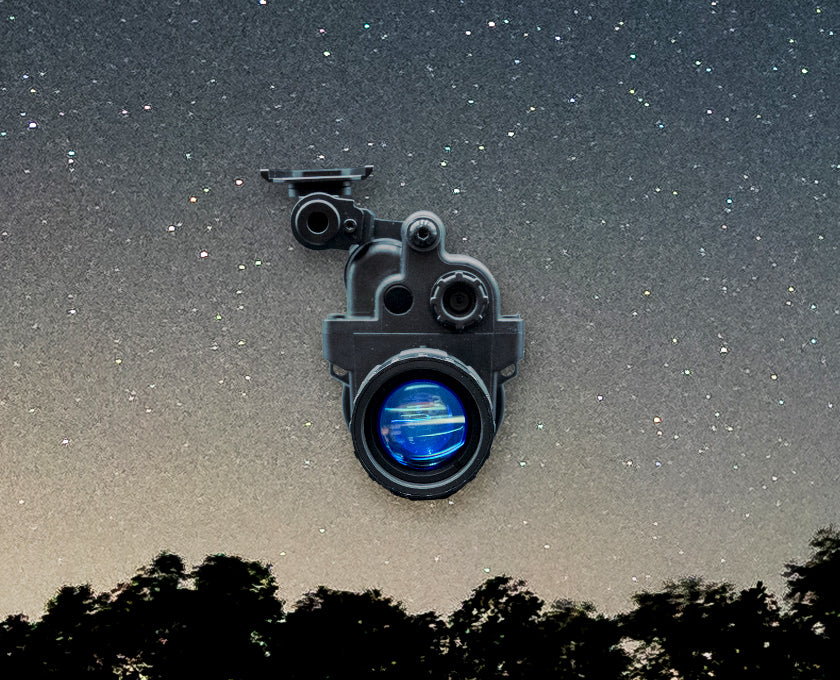
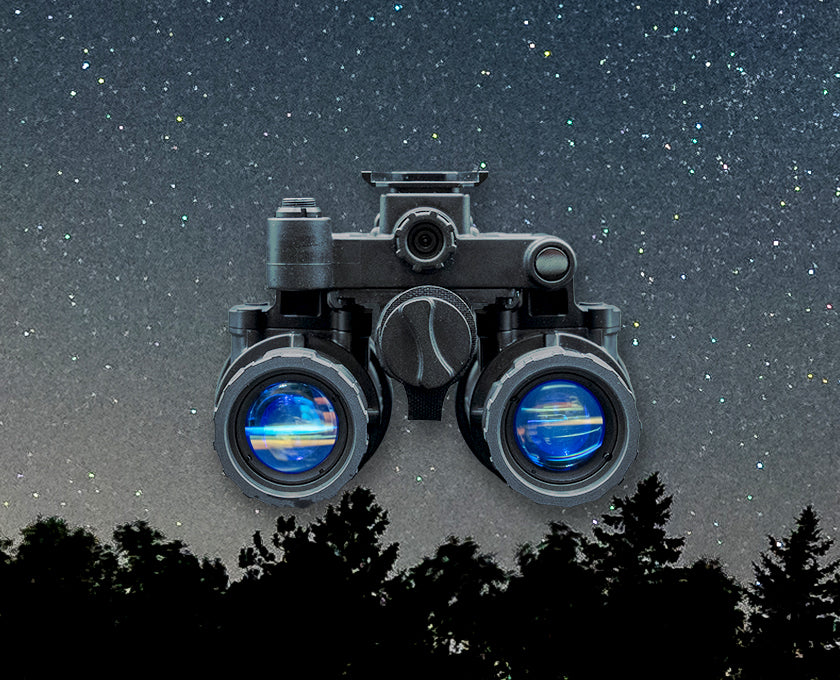
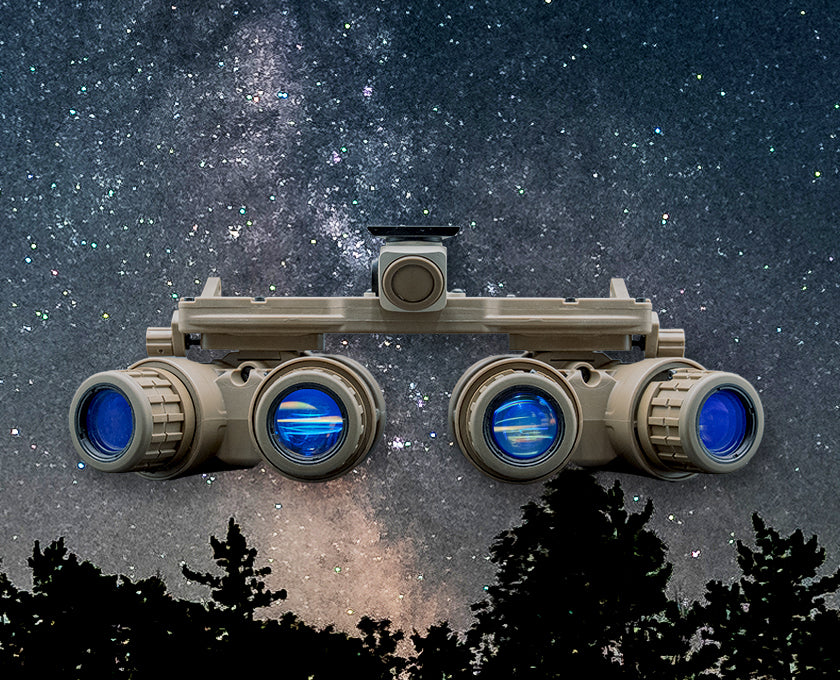
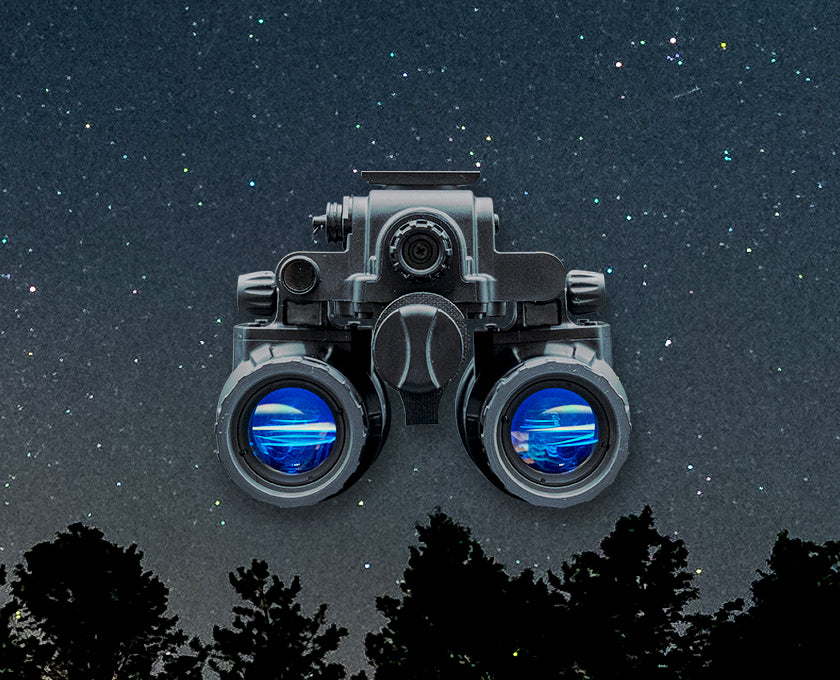



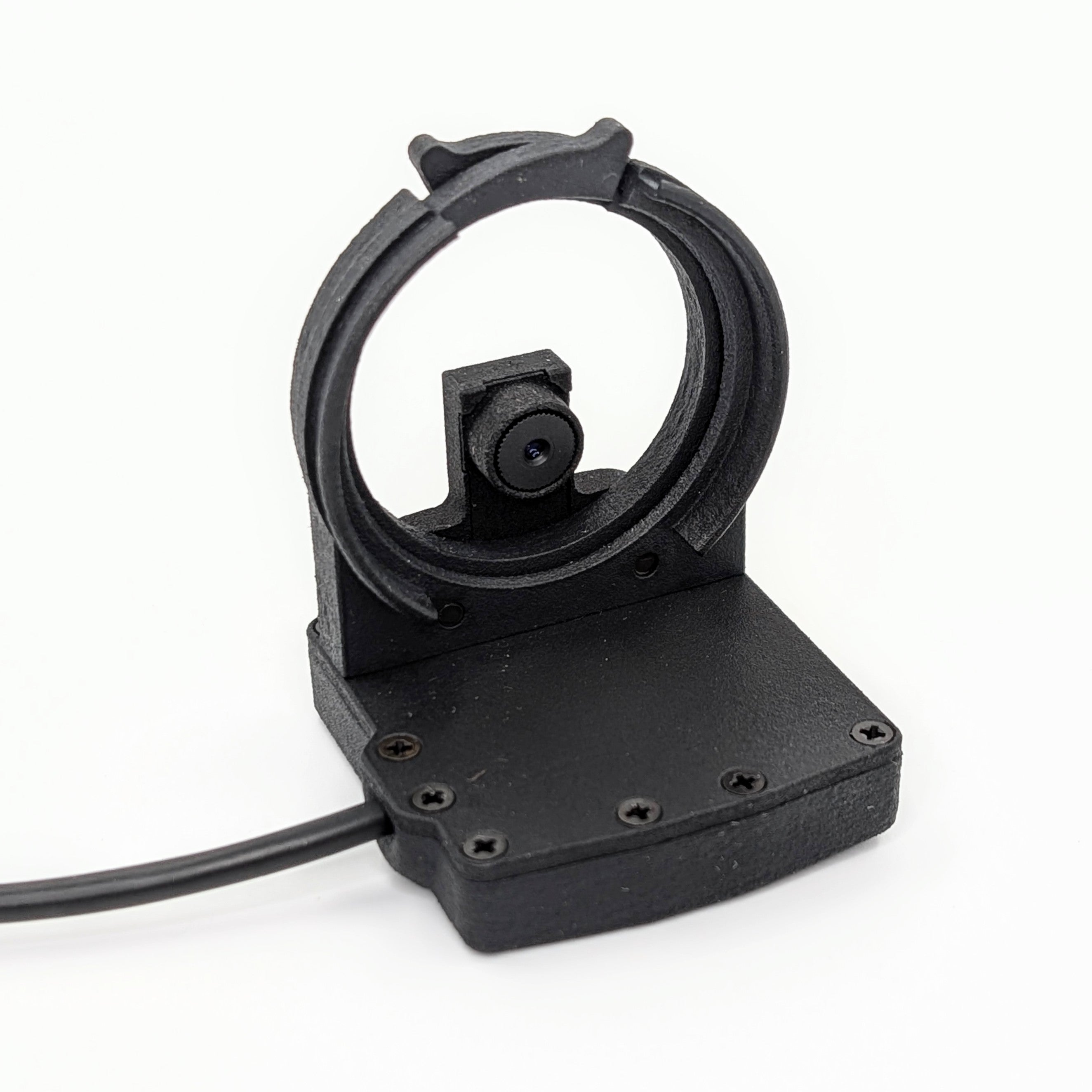
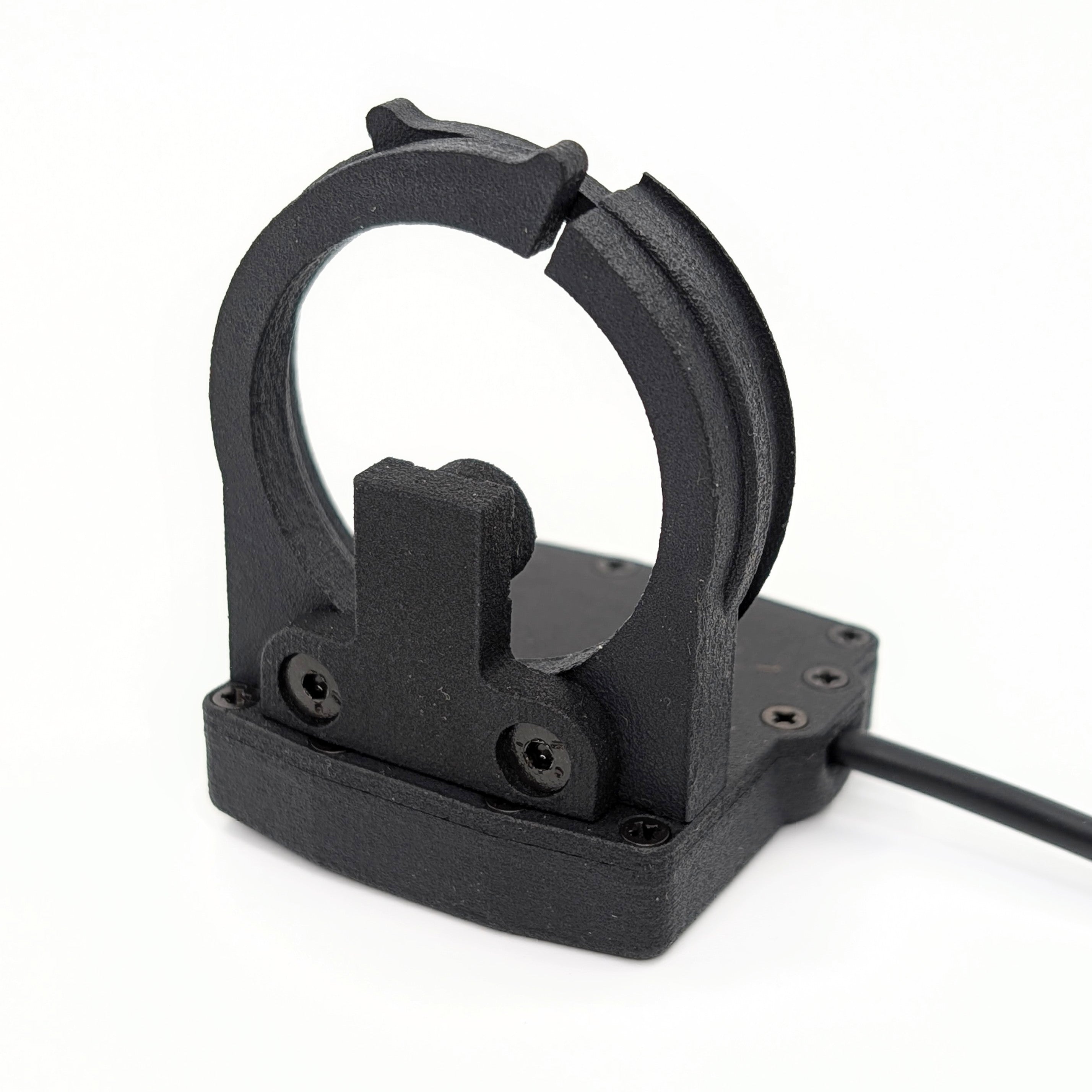
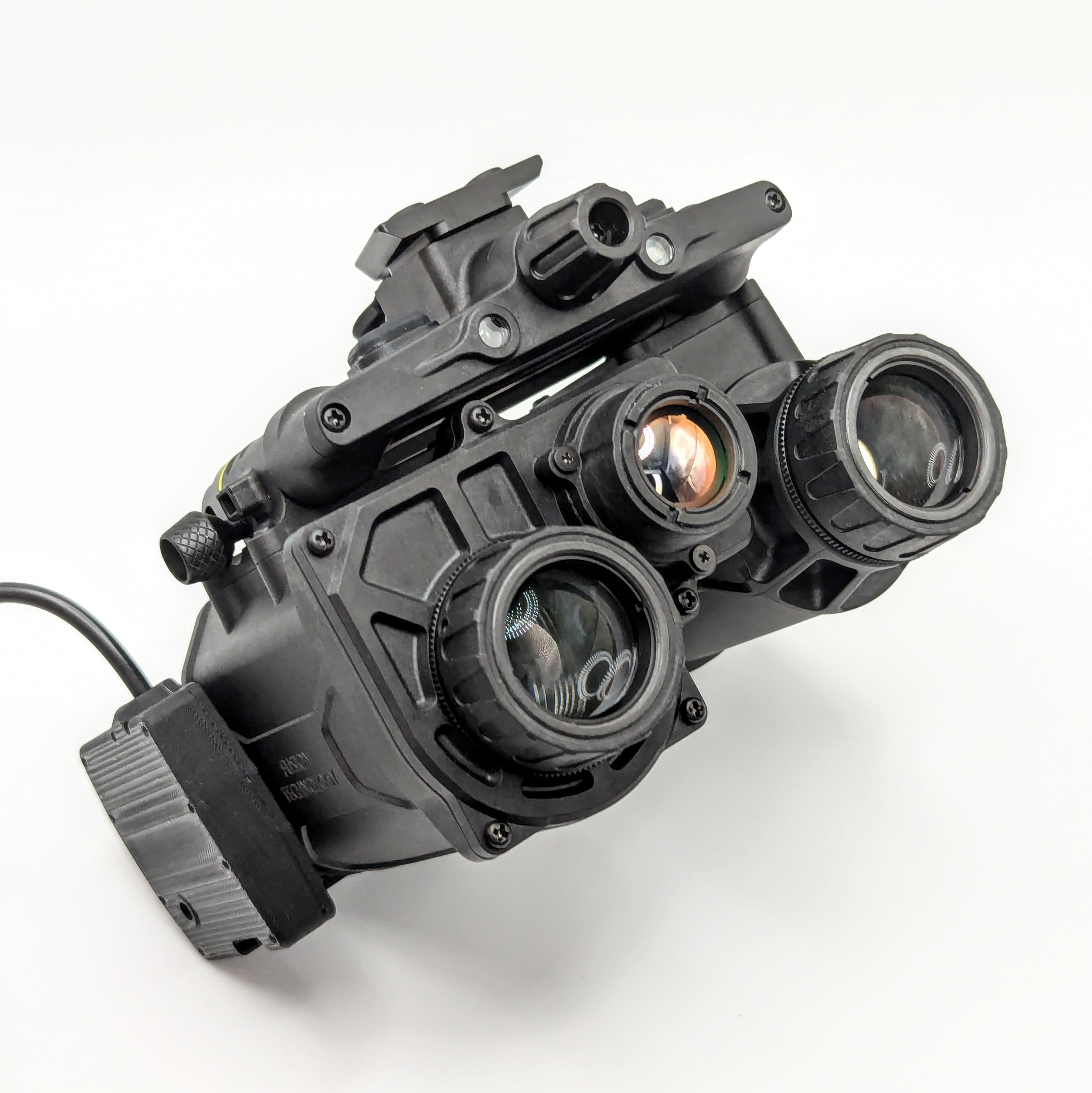
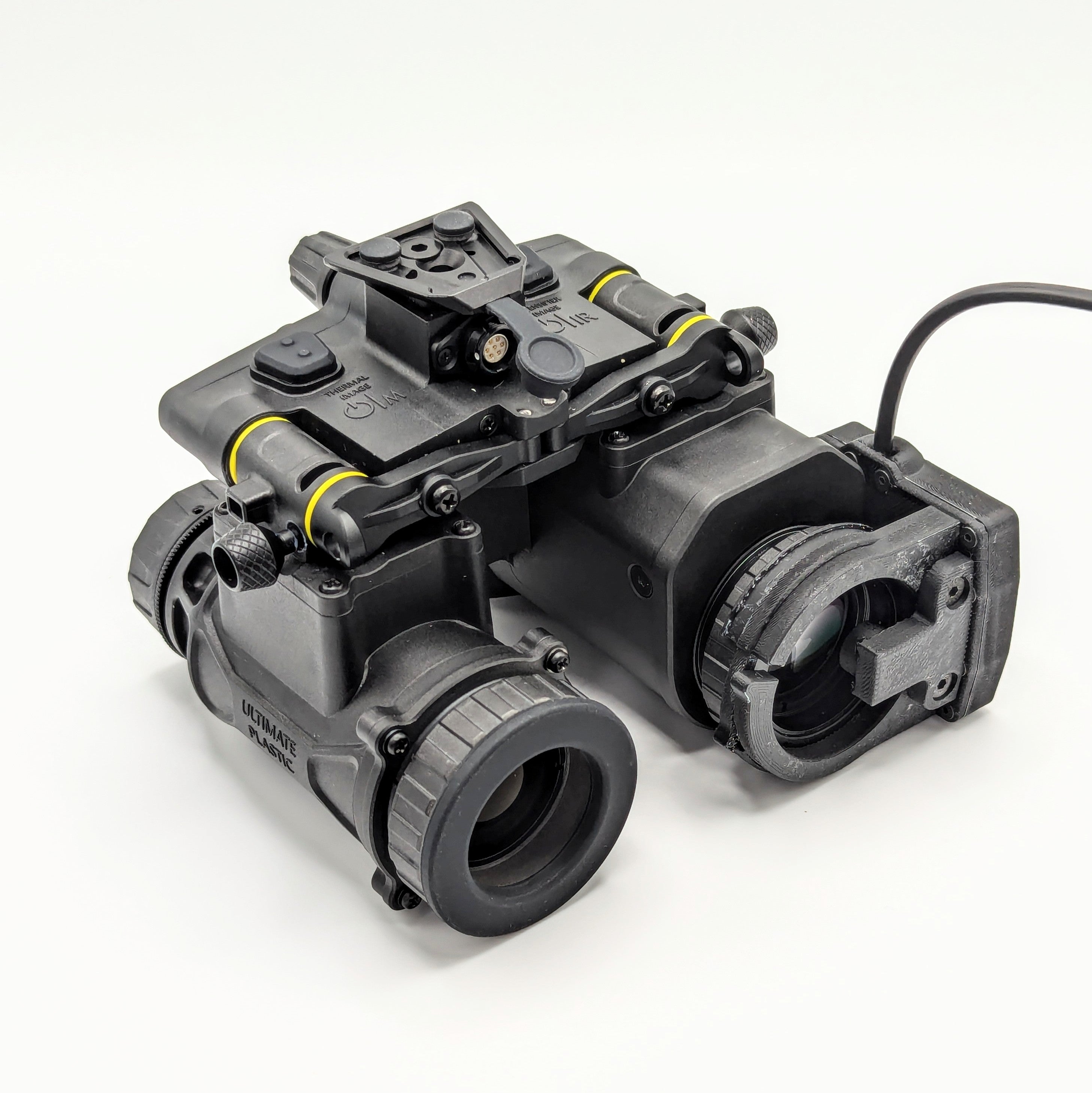
FGMR 4K Fusion Goggle Mission Recorder
Product Info
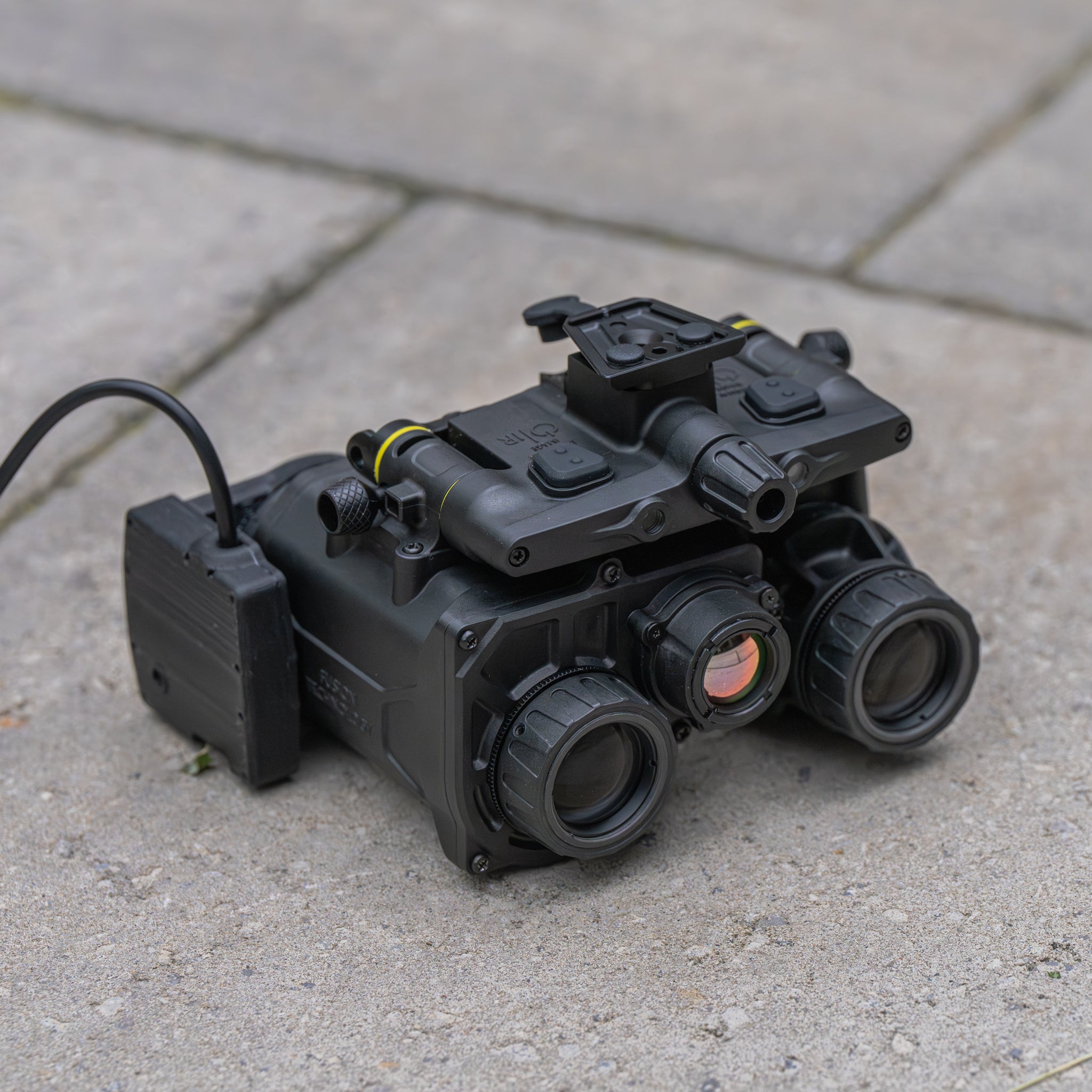
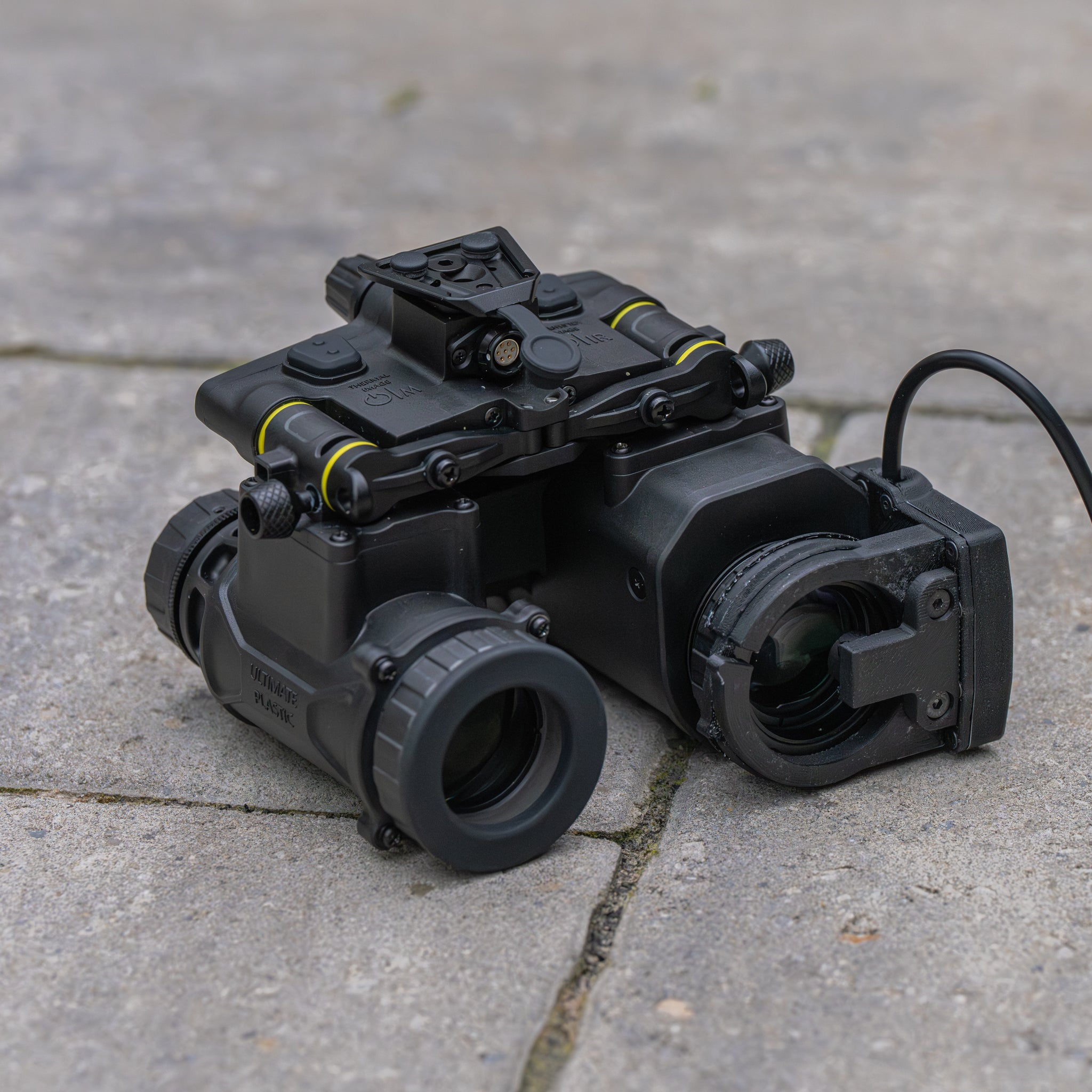
Another ONSC exclusive, we're proud to bring you the Fusion Goggle Mission Recorder.
The FGMR is a collaborative project designed by Opfor Night Solutions in partnership with the Because Operator team, the creators of the LPMR. It brings all the 4K capabilities of the original recorder to your thermal fusion goggles with the optional feature of an inline USB-C quick disconnect allowing you to leave the extension cable routed on your helmet while your NVG is stowed in its case.
VIDEO HERE
FUSION GOGGLE MISSION RECORDER CORE FEATURES:
-
Crystal clear Ultra High Definition 3840x2860 30fps recording
-
Externally powered via USB-C to your choice of battery pack. (battery pack and extension cable not included)
-
Supports up to 512gb Micro SD, 30mb/s write speed minimum (~14GB/Hour)
-
Seamless 5 minute loop recording
-
Auto record when powered on
-
Integrated microphone
- 1.1 oz in weight (without extension USB cable)
COMPATIBILITY:
The ONSC FGMR is exclusively compatible with Jerry-FB fusion goggles and will not work with the L3Harris ENVG-B.
FGMR 4K RECORDER WALKTHROUGH:
Quick start guide available here
The FGMR 4K uses the HEVC (x265) video codec, in order to playback PMR recordings, we recommend the use of the free VLC media player. Alternatively, the HEVC codec can also be purchased on the Microsoft store for use with the latest version of Microsoft windows media player.
To begin recording with the FGMR, simply insert a compatible Micro SD card, and plug the FGMR into a USB-C power source.
If your card is not formatted for fat32, the PMR will update the card to the appropriate format before recording. Upon completion of recording, you can plug the FGMR directly into your PC to transfer video files, the device will show up similar to a USB drive.
Please note that older video software may not be able to read 4K HEVC video files.
Warranty:
2 years
Origin:
Designed and Made in Canada with Canadian and Imported Parts
Our recording devices can be loaded with firmware to change the following settings:
- Video file duration from 1 minute to 5 minutes
- Recording indicator constant on/off
- Video output orientation for top or bottom mounting
To update your firmware, follow these steps
- Download the desired firmware from this google drive link <HERE>
- Drop the two files into the root directory of an empty micro SD card (place them directly on to the card without being in any folder)
- Insert the micro SD card into your LPMR, PGMR, or FGMR
- Plug the recorder in to a computer and the firmware will update. Once the update is complete, the recorder will load the folder to the computer and you will be able to view its contents.
- One of the files will be used up during the writing process. Delete the remaining file otherwise it will attempt to write again when next plugged in.
- Test your recorder to ensure it is recording correctly, and you are done!
FGMR 4K Fusion Goggle Mission Recorder